In this article, we'll walk you through how to redeem a Roblox Gift Card step by step with screenshots, so you can easily claim your credit and use your gift card correctly. Whether you're a new player or have never used a Roblox Gift Card before, you can follow this guide with ease.
Step 1: Sign in to Roblox
After receiving your gift card code, or if you don't have one yet, you can purchase one at https://gamejira.com/card/roblox-gift-card. Then, visit https://www.roblox.com and sign in to your Roblox account.
Step 2: Go to the Redeem Gift Card Page
Once you're logged in, visit the Roblox Gift Card redemption page at https://www.roblox.com/redeem.
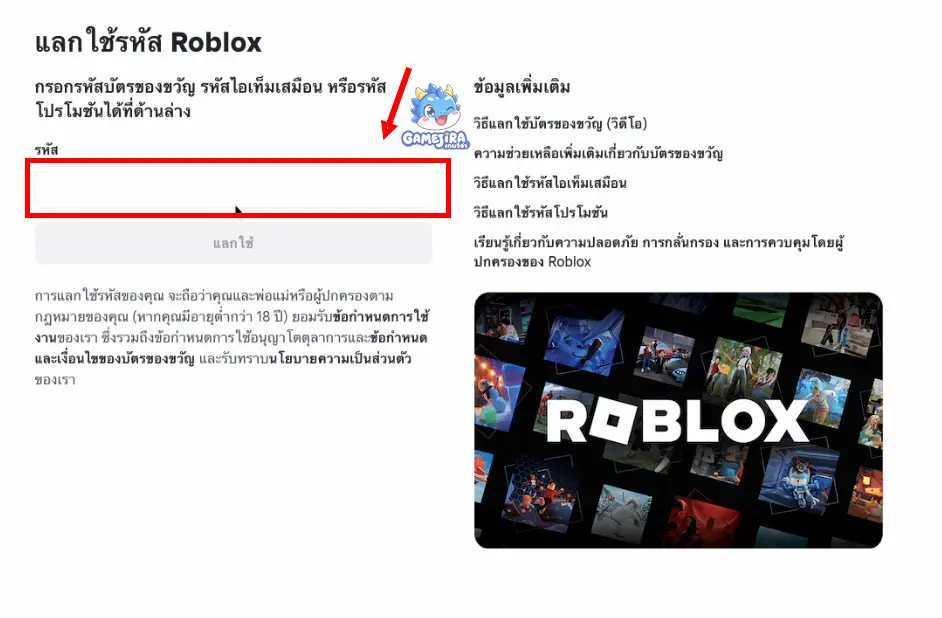
Step 3: Enter Your Roblox Gift Card Code
Enter the code from your Roblox Gift Card or digital PIN code into the provided field, then click Redeem.
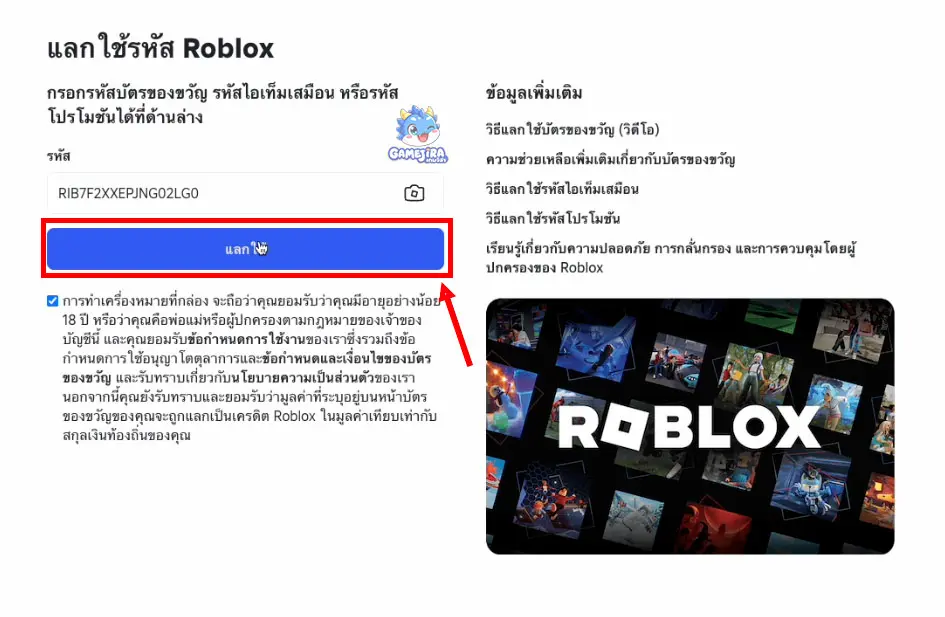
Step 4: Confirm the Redemption
After the code is successfully verified, the credit will be added to your Roblox account immediately. Any bonus items you receive may vary depending on your account and the type of gift card.
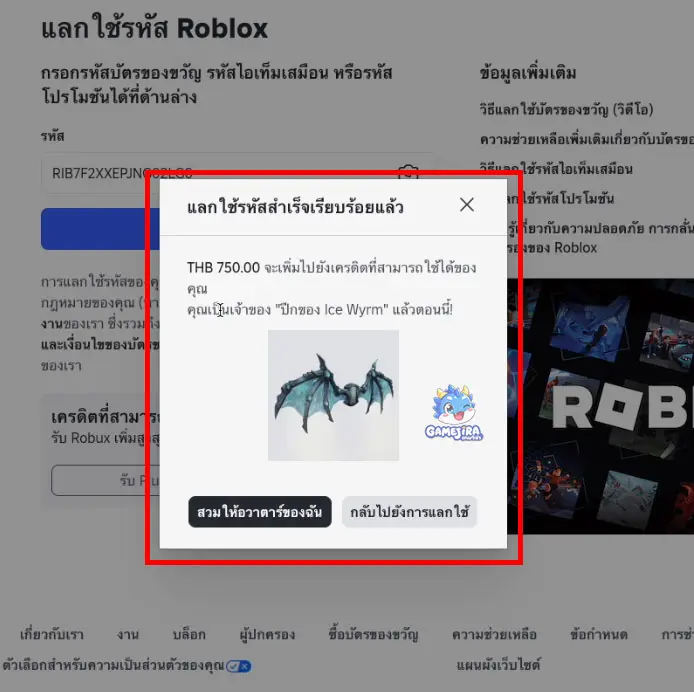
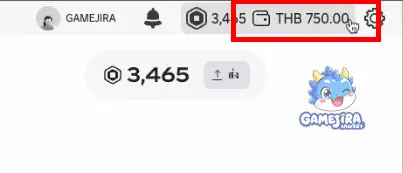
Step 5: Use Your Credit to Buy Robux
Once the gift card has been redeemed successfully, you can use your available credit to purchase Robux directly from your account.
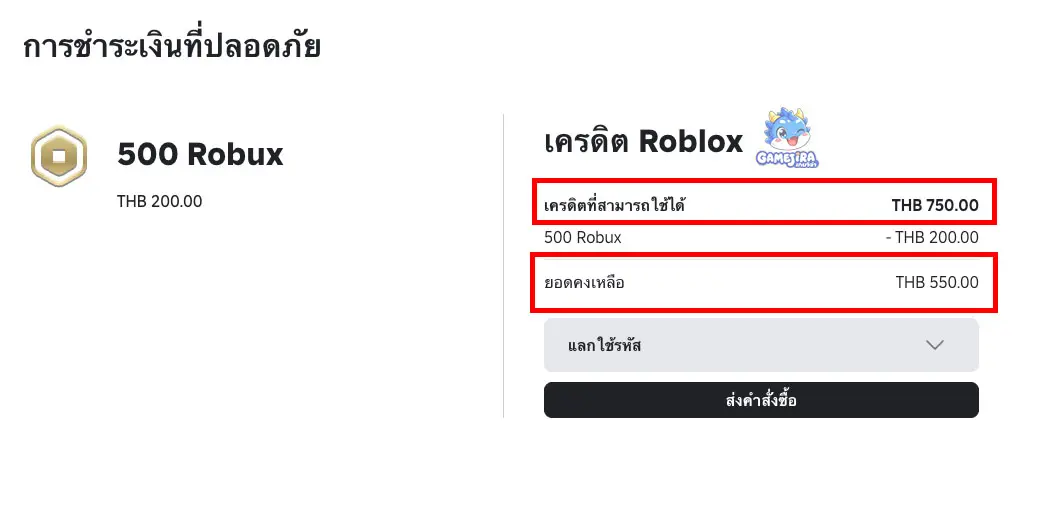
That's it! You can now redeem your Roblox Gift Card and use your credit to purchase Robux with ease. If you're looking for genuine Roblox Gift Cards at a great price with instant code delivery after payment, visit GAMEJIRA and start enjoying Robux for avatar items, game passes, and Roblox Premium right away.